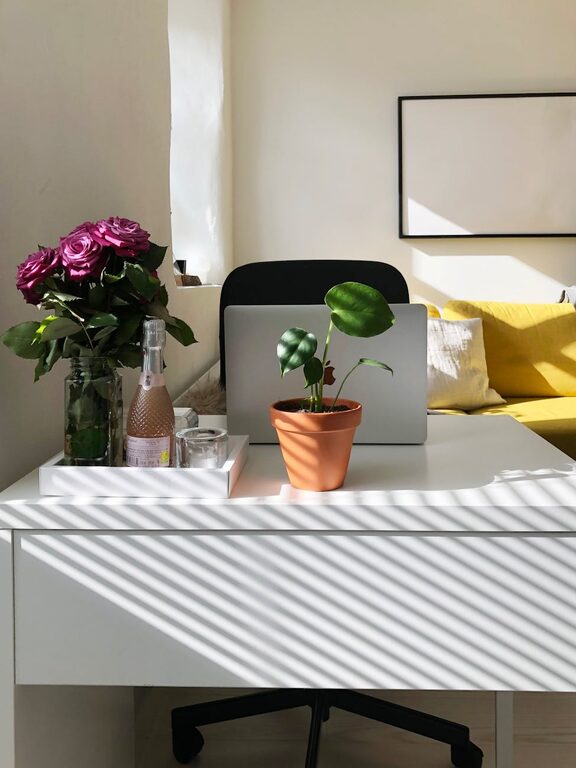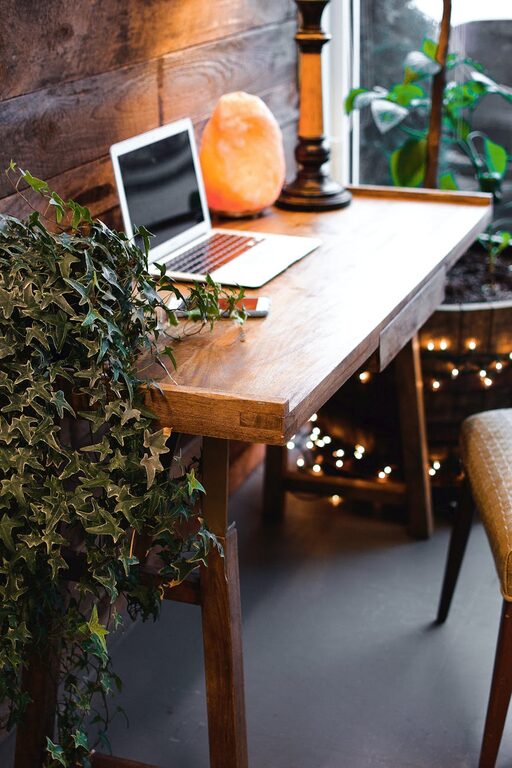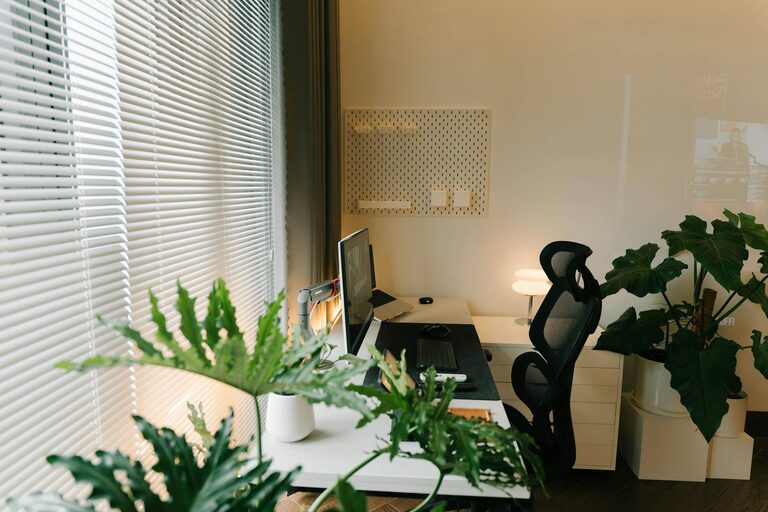
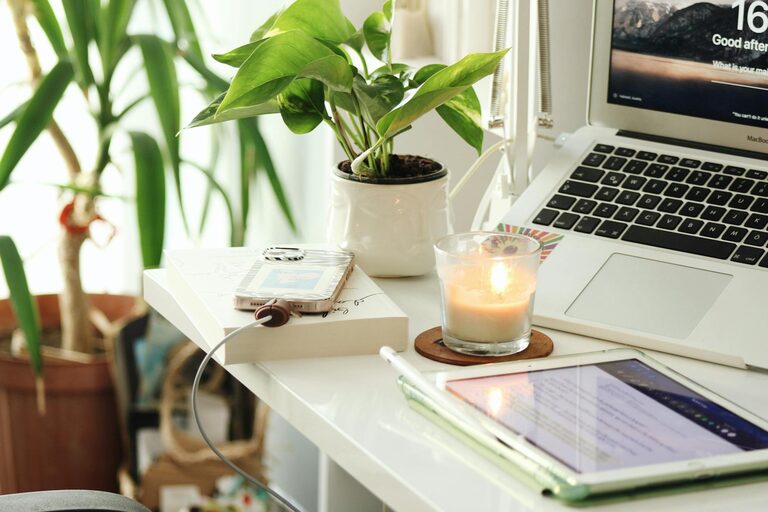
Creating a home workspace that feels cozy and boosts your productivity can have a big impact on how you work each day. Whether you work remotely full-time or just need a dedicated spot for occasional tasks, your work environment matters. A well-thought-out space helps reduce distractions, improves focus, and makes your work feel more enjoyable.
In this post, we’ll explore practical tips to help you design a home workspace that balances comfort and efficiency.
1. Choose the Right Location
Your workspace should be in a spot that supports focus and comfort. Here are a few things to consider when picking your workspace location:
– Natural light: Position your desk near a window if possible. Natural light boosts mood and energy.
– Quiet area: Find a spot away from frequent noise or household traffic to reduce distractions.
– Space availability: Make sure there’s enough room for your desk, chair, and any equipment you need.
If space is tight, consider multi-purpose areas like a corner in your living room or bedroom.
2. Invest in Comfortable Furniture
Comfort is key to staying productive and avoiding fatigue. Pay attention to these furniture essentials:
– Ergonomic chair: Choose a chair that supports good posture with adjustable height and backrest.
– Desk size: Pick a desk large enough for your computer, notes, and any other accessories. Adjustable desks are ideal for switching between sitting and standing.
– Keyboard and mouse: Invest in ergonomic options to reduce strain on your hands and wrists.
Adding a footrest or cushions can further enhance comfort.
3. Organize Your Space Efficiently
An organized workspace helps keep your mind clear and tasks manageable. Follow these tips for better organization:
– Declutter regularly: Remove unnecessary items from your desk to maintain a clean surface.
– Use storage: Incorporate drawers, shelves, or bins to keep supplies within reach but out of sight.
– Cable management: Use clips or sleeves to keep cords tidy and prevent tangling.
– Essential tools: Keep frequently used items like pens, notebooks, and chargers handy but not overwhelming.
Keeping things organized reduces stress and saves time searching for things.
4. Personalize Your Workspace
Adding personal touches can make your space feel inviting without causing distractions. Consider these ideas:
– Plants: Small indoor plants bring life and improve air quality.
– Artwork or photos: Choose calm and inspiring images that lift your mood.
– Lighting: Add a desk lamp with adjustable brightness for late hours or dimmer moods.
– Comfort items: Cozy blankets or cushions make the space feel warm.
Balance personalization with functionality to maintain a professional atmosphere.
5. Optimize Lighting and Screen Setup
Good lighting and proper screen positioning prevent eye strain and improve focus.
– Position screens: Place monitors at eye level about an arm’s length away to avoid neck and eye discomfort.
– Avoid glare: Arrange your workspace so screens aren’t directly opposite windows or bright lights.
– Adjust brightness: Use screen settings and room lighting to reduce harsh contrasts.
If possible, use natural daylight during working hours to stay energized.
6. Set Boundaries to Enhance Productivity
Working from home can blur lines between work and personal life. To stay productive, set clear boundaries:
– Define work hours: Create a consistent schedule and stick to it.
– Designate workspace use: Use your workspace only for work-related tasks, avoiding leisure activities there.
– Communicate with others: Let family or housemates know your work schedule to minimize interruptions.
Clear boundaries help you focus and maintain work-life balance.
7. Incorporate Tools to Boost Productivity
Using the right tools can enhance your workflow and keep distractions at bay:
– Task management apps: Tools like Trello, Asana, or simple to-do lists keep you organized.
– Noise-canceling headphones: Useful if you’re in a noisy environment.
– Calendar reminders: Schedule breaks and meetings to stay on track.
– Timer techniques: Try the Pomodoro method to work in focused intervals.
Choose tools that fit your style without overwhelming your workspace.
8. Take Regular Breaks
No workspace is complete without time to recharge. Taking breaks helps maintain focus and energy levels:
– Stand up and stretch every hour.
– Take short walks or exercise to refresh your body.
– Step away from screens to rest your eyes.
– Use breaks to hydrate and recharge.
Balancing work with rest increases productivity and well-being.
—
By following these tips, you can create a home workspace that’s both cozy and productive. Remember, the ideal setup is personal—feel free to adjust these suggestions to fit your needs. A space that feels good and functions well can make working from home a more enjoyable experience.