Creating a productive home office space is essential for anyone working from home or managing projects remotely. A well-designed workspace helps improve focus, reduce distractions, and maintain a healthy work-life balance. Since everyone’s lifestyle and needs differ, tailoring your home office to fit you personally will make your workdays more enjoyable and effective.
In this post, we’ll explore practical tips and ideas to create a home office space that encourages productivity and suits your life perfectly.
Understand Your Work Habits and Needs
Before setting up your home office, spend time reflecting on how you work best. Consider:
– What hours do you work most productively?
– Do you need absolute quiet or some ambient noise?
– How much space do you require for your equipment and materials?
– Do you frequently meet with clients or colleagues virtually?
– Do you prefer a minimalist or a more personalized, cozy environment?
Answering these questions will guide your decisions on location, furniture, lighting, and decoration.
Choose the Right Location
Selecting the ideal spot for your office is crucial. Here are some factors to think about:
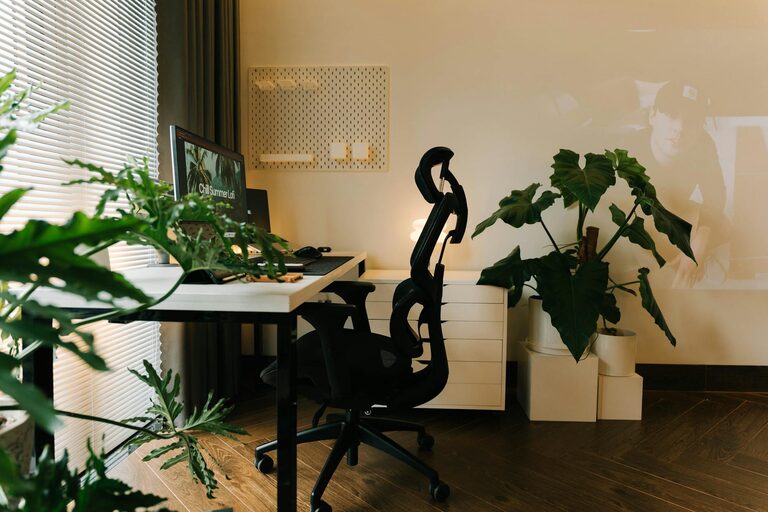
– Natural light: Position your desk near a window if possible; natural light boosts mood and energy.
– Minimal distractions: Avoid high-traffic areas or noisy spots.
– Privacy: If video calls are common, pick a quiet corner where interruptions are rare.
– Space availability: You don’t need a big room, but make sure there’s enough room for essentials and comfortable movement.
If space is limited, consider multi-purpose areas that can convert into your office during work hours.
Invest in Ergonomic Furniture
Comfort plays a huge role in productivity, especially when working long hours. Consider investing in:
– An ergonomic chair with adjustable height and lumbar support.
– A desk at the right height to reduce strain on your wrists and shoulders.
– Footrests or adjustable desk accessories if needed to improve posture.
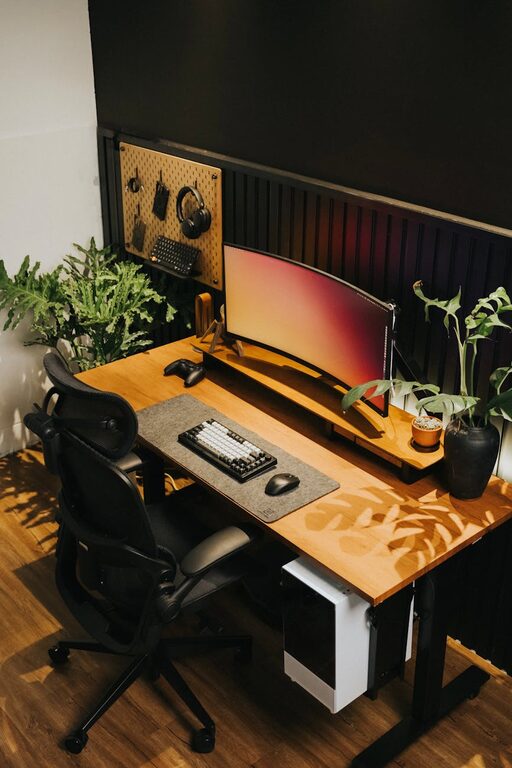
– A standing desk or converter, if you like to alternate between sitting and standing.
Ergonomics will prevent discomfort and fatigue, helping you stay focused throughout your workday.
Organize for Efficiency
A cluttered workspace can lead to a cluttered mind. To stay organized:
– Use shelves, drawers, and storage bins to keep supplies and papers neatly stored.
– Separate work materials from personal items.
– Sort digital files regularly to avoid wasted time searching.
– Have a dedicated place for charging devices and storing cables.
– Use planners, whiteboards, or apps to manage your schedule and to-do list visually.
Keeping your office tidy and organized will reduce stress and help you maintain momentum.
Optimize Lighting and Ambiance
Good lighting is key for reducing eye strain and maintaining alertness. Some tips include:
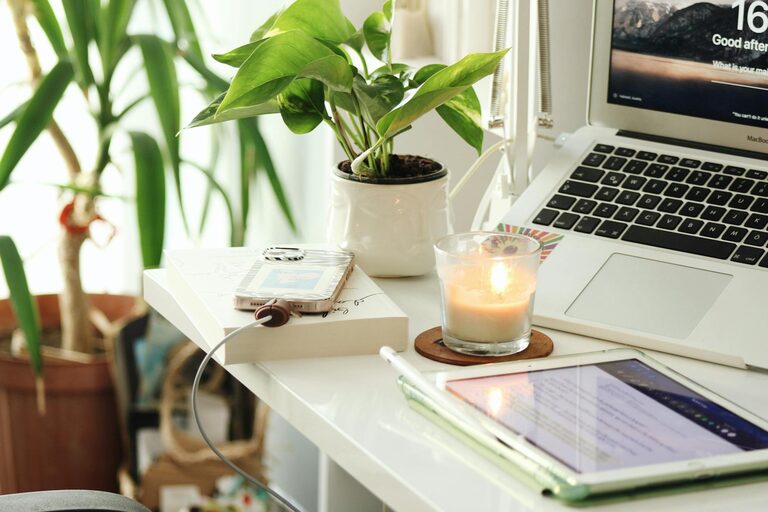
– Supplement natural light with a good quality task lamp focused on your work area.
– Use soft, warm lighting for the rest of the room to create a comfortable atmosphere.
– Avoid glare on your computer screen by adjusting the placement of lights and windows.
– Consider adding plants or calming décor to create a welcoming environment.
– Play soft background music or white noise if it helps your concentration.
Your home office should feel inviting and energizing.
Personalize Your Space Thoughtfully
While staying professional, it’s important to make your office feel like your own space. Consider:
– Adding photos or artwork that inspires you.
– Choosing colors that make you feel calm or energized.
– Including items that reflect your hobbies or personality.
– Keeping personal touches minimal to avoid distraction.
Personalizing your space boosts motivation and makes your work day more enjoyable.
Set Clear Boundaries
When working from home, it’s important to separate work life and personal life:
– Define working hours and stick to them.
– Use your office space only for work, not leisure activities.
– Inform family members or roommates of your schedule.
– Take regular breaks and step away from your desk to recharge.
Clear boundaries help maintain balance and prevent burnout.
Use Technology to Support Your Workflow
Equip your home office with the right technology:
– A reliable computer and high-speed internet connection.
– A quality headset and webcam for virtual meetings.
– Productivity software or apps that boost efficiency.
– Backup solutions, like cloud storage, to protect your work.
Make sure your setup supports your daily tasks without frustration.
Keep It Flexible
Your home office needs might change over time. Design your space to be adaptable by:
– Using modular furniture that can be moved or adjusted easily.
– Keeping extra storage options for new supplies.
– Regularly reviewing and tweaking the setup as your work evolves.
Flexibility allows your workspace to grow with you.
—
Creating a productive home office that suits your lifestyle is about understanding your needs, investing in comfort, and maintaining a balance between work and home. With the right setup, you’ll enjoy better focus, increased efficiency, and a healthier approach to working from home. Start with small improvements and adjust as you discover what works best for you. Happy working!