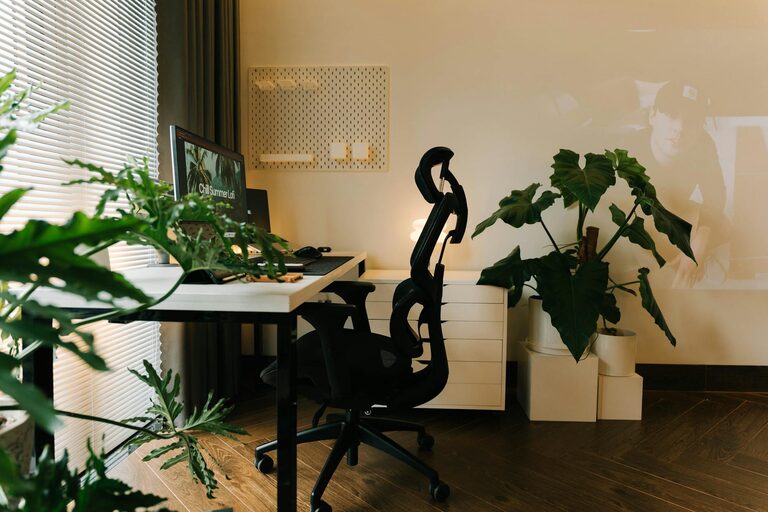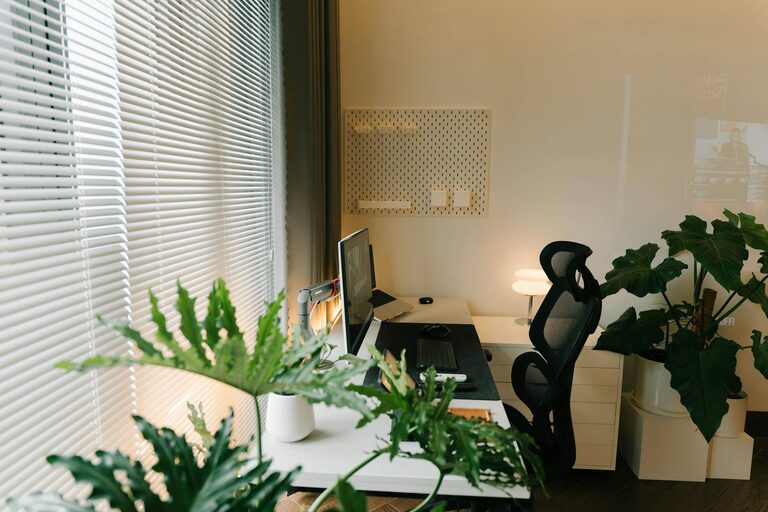
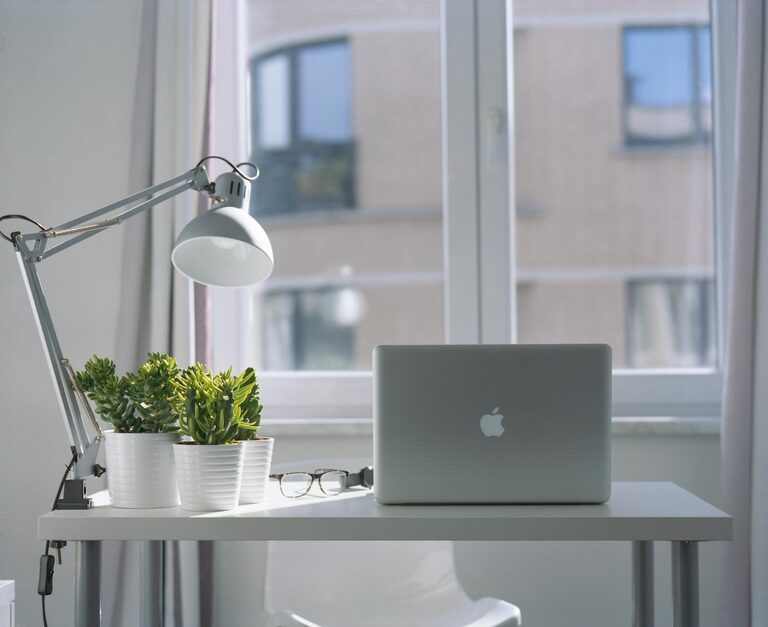
Creating an efficient and comfortable home workspace is essential for maintaining productivity, especially if you spend a significant amount of time working from home. A well-organized workspace minimizes distractions, saves time, and helps you focus on your tasks. In this post, we’ll explore practical tips to organize your home workspace for increased productivity.
1. Choose the Right Location
Prioritize Natural Light
Select a spot in your home that receives plenty of natural light. Daylight can improve mood and focus, making your work time more enjoyable.
Consider Noise Levels
Look for a quiet corner or room where you can concentrate without interruptions from household noise.
Ensure Adequate Space
Make sure your workspace has enough room for your computer, documents, and other essentials. Avoid cramped setups that can make you feel cluttered.
2. Declutter and Keep Only Essentials
Clear Your Desk Surface
Start by removing everything from your desk. Only place back the items you use daily to keep your workspace clean and functional.
Use Drawer Organizers
Keep smaller items like pens, paper clips, and sticky notes organized in drawers or containers to reduce clutter on your desk.
Digitize Paperwork
Reduce piles of paperwork by scanning important documents and storing them digitally. This approach saves physical space and makes finding files easier.
3. Invest in Functional Furniture
Ergonomic Chair
A comfortable, adjustable chair supports good posture and reduces strain, helping you work longer without discomfort.
Desk with Storage
Choose a desk that offers built-in storage options like shelves or drawers. This makes organizing supplies and papers simpler.
Adjustable Desk Options
Consider a standing desk or one with adjustable height to promote movement and reduce sitting time.
4. Organize Cables and Electronic Devices
Use Cable Management Tools
Keep charging cables, USB wires, and power cords tidy using clips, sleeves, or cable trays. Tangled cords can be distracting and unsafe.
Designate Charging Stations
Create a specific area for charging devices to avoid scattered cords and devices all over your desk.
Optimize Screen Setup
Position monitors at eye level and maintain an appropriate distance to reduce eye strain.
5. Incorporate Storage Solutions
Use Shelving Units
Wall-mounted shelves free up desk space and offer convenient places to keep books, binders, or decorative items.
Storage Boxes and Bins
Label storage boxes to easily find supplies when needed and keep the space orderly.
File Organizers
Use vertical or horizontal file holders for important documents, ensuring you can quickly access what you need.
6. Personalize Your Space Thoughtfully
Add Plants
Indoor plants can boost mood and create a refreshing atmosphere without cluttering your desk.
Display Inspiring Items
Limit personal items like photos or souvenirs to a few meaningful pieces to maintain focus while adding a touch of personality.
Choose Calming Colors
Decorate with colors that promote concentration and calmness, such as blues, greens, or neutrals.
7. Establish Daily Cleaning Routines
End-of-Day Desk Cleanup
Spend a few minutes at the end of each workday tidying up your workspace to maintain order.
Regular Deep Cleaning
Schedule weekly or bi-weekly sessions to dust, wipe surfaces, and re-organize supplies.
8. Optimize Lighting
Use Task Lighting
In addition to natural light, consider desk lamps with adjustable brightness to reduce eye strain, especially during evening hours.
Avoid Glare
Position screens and lights to prevent glare, which can cause discomfort and reduce productivity.
9. Manage Distractions
Set Boundaries
If possible, inform household members of your work hours to minimize interruptions.
Create a “Do Not Disturb” Signal
Use a visual cue like a sign or specific lighting to indicate when you need focused work time.
Limit Clutter That Distracts
Keep only work-related items visible; excessive decoration or unrelated items can divert attention.
—
By following these tips, you can transform your home workspace into an organized, comfortable, and productive environment. Remember that a personalized and tidy space not only helps with focus but also boosts your overall well-being as you work from home. Start small, make gradual improvements, and enjoy the benefits of a more efficient workspace.